

All Posts

Why a Thinning Pipeline Today Means Fewer Sales Tomorrow
To avoid future sales slowdowns, monitor your pipeline for drops in early-stage opportunities and act quickly when patterns deviate from the norm. In this article, we explore how TeamGram CRM can help with that.

See The Outlook for Each Opportunity in Your Pipeline
TeamGram CRM is continuously evolving to help sales teams work more efficiently, focus on the right opportunities, and make data-driven decisions. In line with this, we are happy to introduce an exciting new feature that shows which opportunities in your pipeline are the most promising ones.
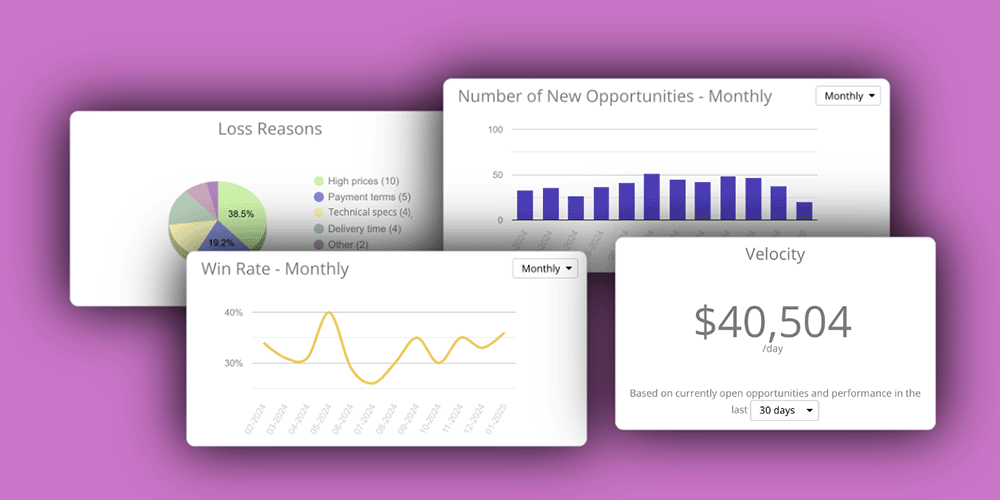
Meet the New Sales Opportunities Dashboard!
We’ve redesigned TeamGram CRM’s sales opportunities dashboard! These updates will help you gain clearer insights into your sales process, identify potential issues early, and make better decisions.
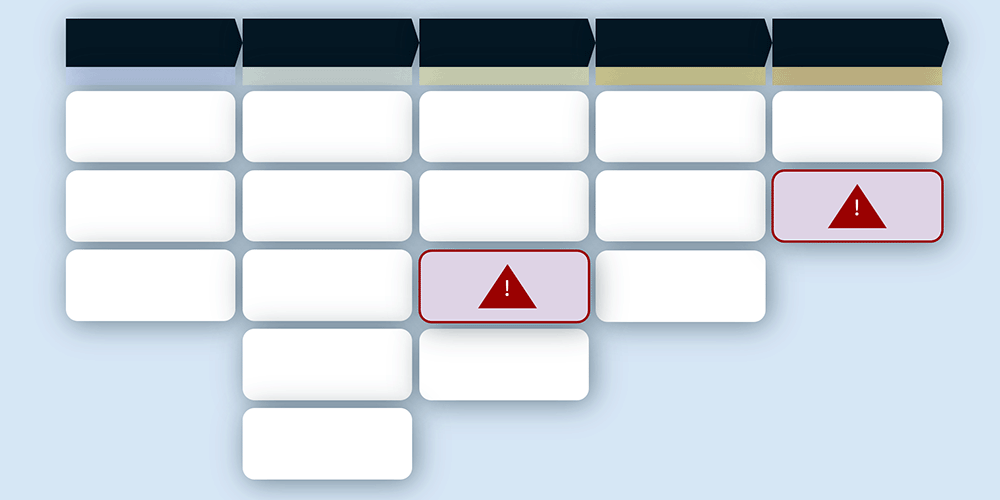
Discover Stuck Opportunities—Before It’s Too Late
Sales opportunities that linger in any stage of the sales process longer than expected often signal potential issues. Identifying these delays early and addressing them promptly ensures your sales process stays on track and maintains momentum. With TeamGram CRM’s new Stuck Opportunity Alerts feature, managing and accelerating your sales pipeline is now simpler than ever.

Introduction to Lead Management
Finding new customers who might be interested in your products or services is an important job for any sales team. In this article, we’ll explore how to do that.

Writing Meeting Notes: A Must-Have Skill for Every Sales Professional
Writing detailed meeting notes after every customer interaction is essential. Here is why, and how your team can do it effectively.