


A Smart Assistant With Skills That Make Your Day Easier
In this first rollout phase, we’re launching four core AI services:
1) Voice Notes
You can now record voice notes directly in the web app by clicking the microphone icon in the note editor—in any language. When you finish recording, TeamGram AI automatically converts your speech into text.
This makes it easier for your team to capture notes more often and with more detail—so you get more value from TeamGram CRM.

Tip: Before recording, select the related records for the note (for example, the relevant company, person, or opportunity). This helps the AI assistant recognize company and contact names much more accurately.
2) Rewrite Notes with AI
Whether you type a note or dictate it with your voice, you can click the AI button before saving to rewrite it in a clearer, more professional tone. If you don’t like the result, you can edit it, click the AI button again to generate another version, or press Ctrl + Z to return to the previous one.
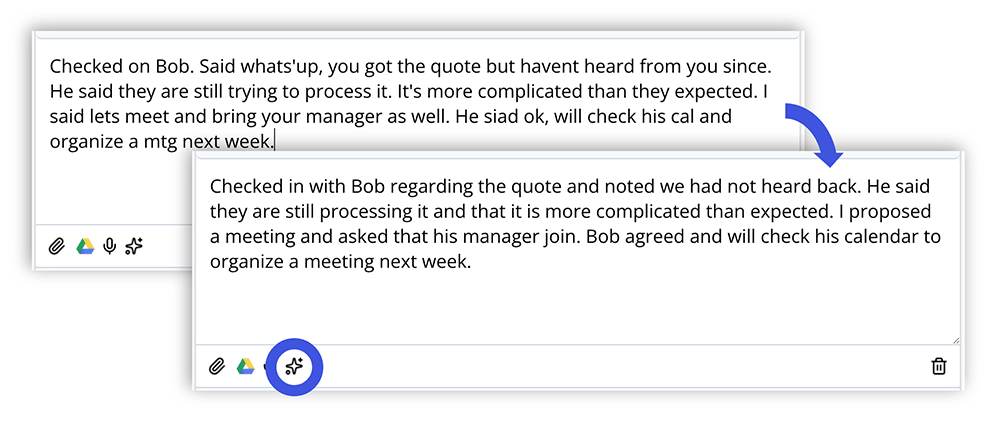
This is especially helpful for turning quick, messy, or incomplete notes into something your whole sales team can understand and act on.
3) Opportunity Summaries & Next-Step Recommendations
TeamGram AI can review the notes and details attached to an opportunity and instantly deliver:
- A quick-to-scan customer snapshot
- A clear summary of how the deal has progressed so far
- Practical, actionable recommendations for what to do next
Instead of digging through old notes and long email threads to refresh your memory, you can get up to speed in seconds—and focus on moving the deal forward.
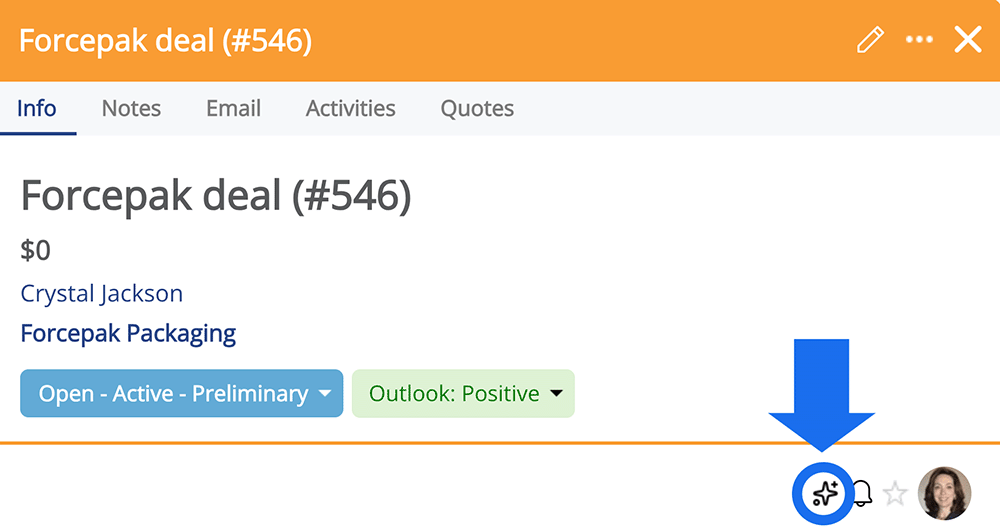
For best results, keep opportunity fields and meeting notes detailed and up to date. Better data leads to better summaries and stronger recommendations.
4) Company Summaries & Recommendations
TeamGram AI can also compile everything related to a company—notes, opportunities, and key details—and show:
- A concise overview of the customer company
- A summary of your relationship history
- Your past and current opportunities with that customer
- Recommendations for next steps
This helps you quickly regain context, evaluate suggested actions, and decide how to strengthen the relationship.
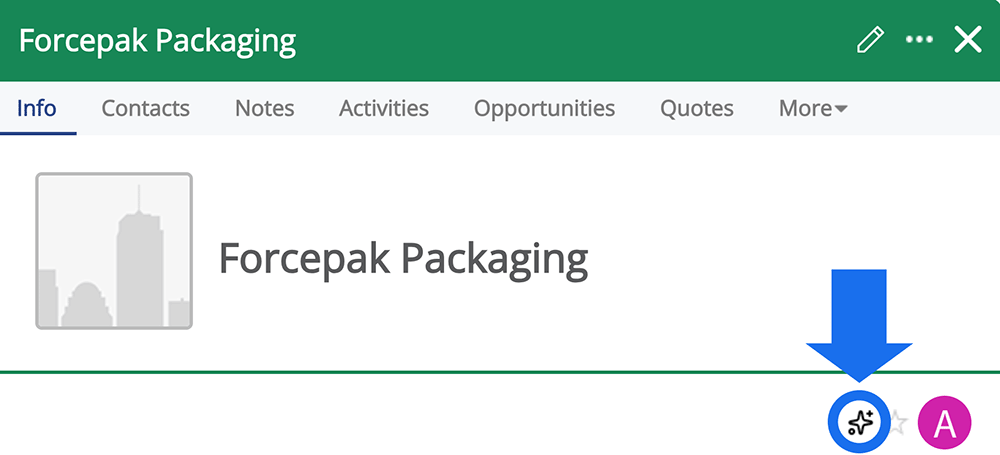
As with opportunity summaries, the rule is simple: the more complete your CRM data is, the more helpful AI becomes.
AI Credits
TeamGram AI features run on a credit-based model. Credits are stored in your company’s shared credit pool. Each AI action consumes credits based on its complexity. As long as your pool has credits, your team can use AI.
Free AI Credits Included With Your Plan
Your TeamGram subscription now includes free AI credits: Every time you pay for your TeamGram subscription, you will earn 75 free credits for every dollar you spend for your subscription fee.
Free credits are valid for the duration of the subscription term: If you are on monthly subscription, your credits will expire after one month. If you are on a yearly subscription, your credits will expire at the end of the year. New credits will be added when your subscription is renewed. Unused credits do not roll over to the next period.
Example: If you pay $2,000 for a yearly subscription, you will get 150,000 free AI credits that you can use in one year.
If You Run Out of Credits
If you pay your subscription by credit card through our new payment system, you can optionally enable automatic credit top-ups. When your balance gets low, a pre-selected amount of credits will be purchased automatically and loaded into your account—so your team can keep using AI without interruption.
Credits purchased through automatic top-ups are valid for 3 months from the purchase date.
When Can You Start Using It?
We’re rolling out TeamGram AI gradually. When AI features are enabled for your TeamGram CRM account, we’ll notify you by email. Our goal is to make AI services available to all users by the end of January 2026.
Tips to Get the Best Results
The value you get from AI depends on how current and how detailed your CRM data is. For the best outcomes:
- Add all customers to TeamGram CRM
- Actively use your sales pipeline and keep it up to date
- Add every opportunity to the pipeline and update details as it progresses
- Log meetings, emails, and key developments as notes
- Link every note to the correct customer and opportunity
- Write notes clearly and with enough detail—voice notes and AI rewriting make this easy
Remember: For TeamGram AI to guide you accurately, the quality of notes linked to opportunities and customer records matters most.
This Is Just the Beginning
We’re continuing to build new AI services and improvements—and we’ll be sharing more soon.
Start using TeamGram AI for smarter, more successful selling.