

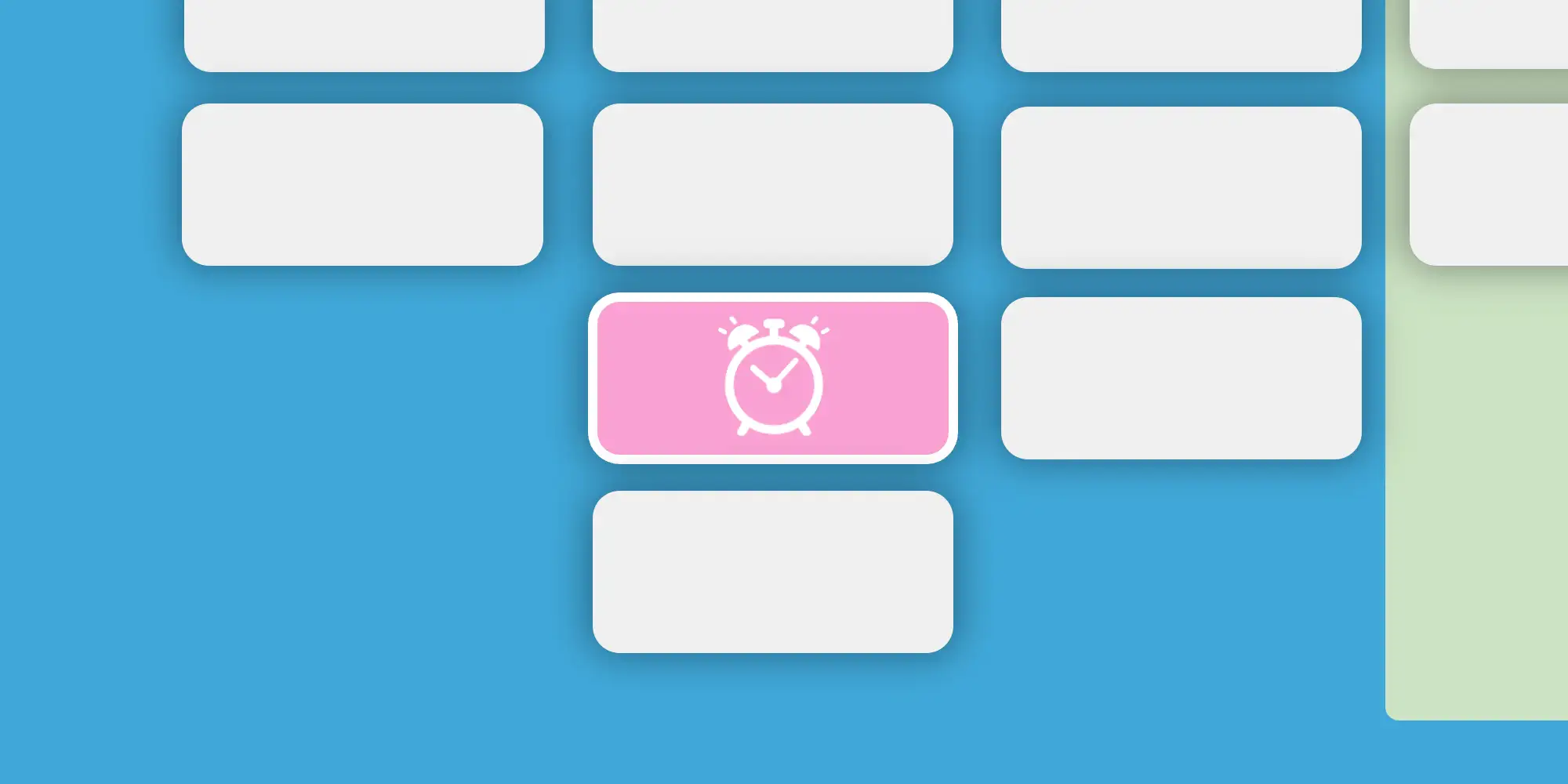
Opportunities in your sales pipeline are expected to move steadily from one stage to the next. While the time spent in each stage may vary, experienced managers usually have a good sense of what’s normal. When an opportunity lingers too long in a stage, it can be a sign that something is off—whether it’s a legitimate delay or just a lack of follow-up.
For example, consider a pipeline with these stages:
Initial Meeting → RFP Received → Quote Submitted → Negotiation → Closing
If it typically takes 3–5 days to send a quote after receiving an RFP, any opportunity stuck in the RFP Received stage for more than 5 days should raise a flag. It may indicate inaction, and managers may need to step in to keep things moving.
How To Do It in TeamGram CRM
To help identify these stuck opportunities, your TeamGram CRM administrator can define expected time limits for each stage.
- Opportunities that exceed the time limit will appear pink in the pipeline.
- If they go beyond twice the expected time, they will appear purple.
This visual cue makes it easier for managers to catch delays early and take corrective action.